Features
Everything Planitude does, with no fine print
This page lists only the features available in the app today. Current limitations are listed at the bottom of the page and in the detailed comparison.
AI assistant
An AI assistant that knows your plan
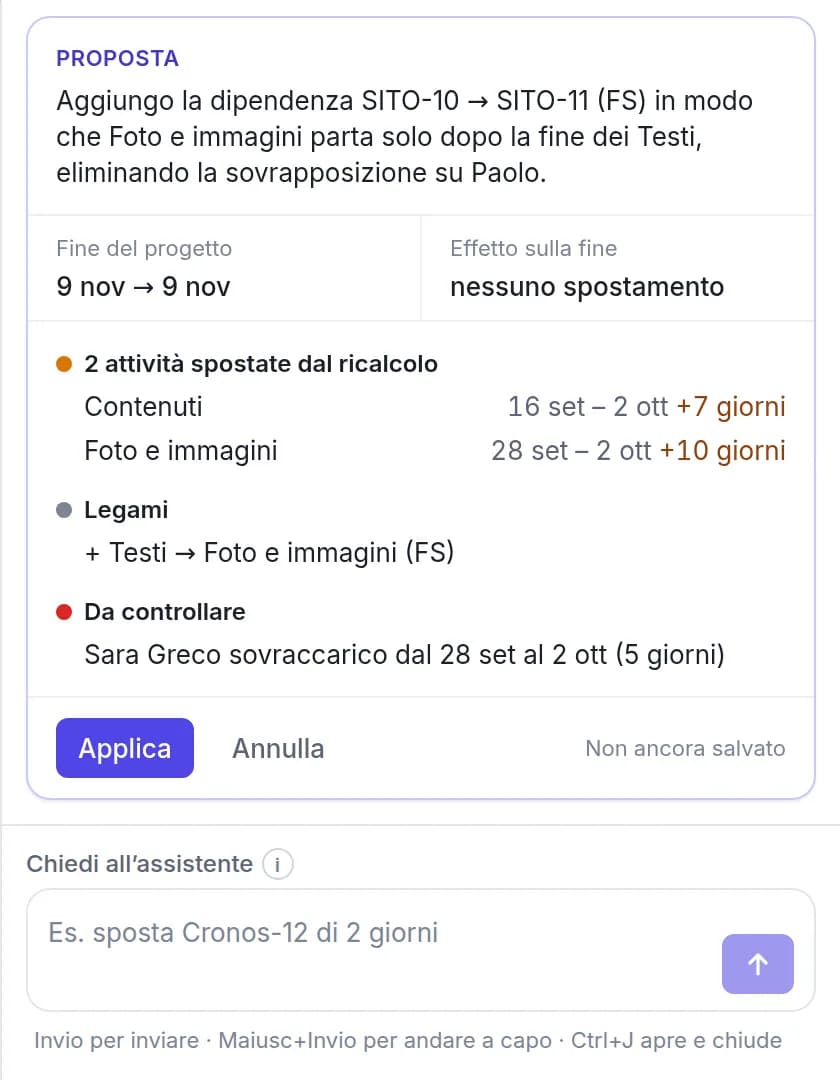
It is available on every page of the app and uses the open project as context. Its answers are based on your plan’s data, not on generic advice.
- Questions on progress, delays, workload and the forecast finish date
- Changes in plain language (“move SITE-12 by two days”), with a preview and confirmation before they are applied
- A full plan from a description: phases, tasks, links and milestones, with dates computed by the engine
- Also available outside a project, for questions across all your projects
Import and export
Import Microsoft Project files and export in the same formats
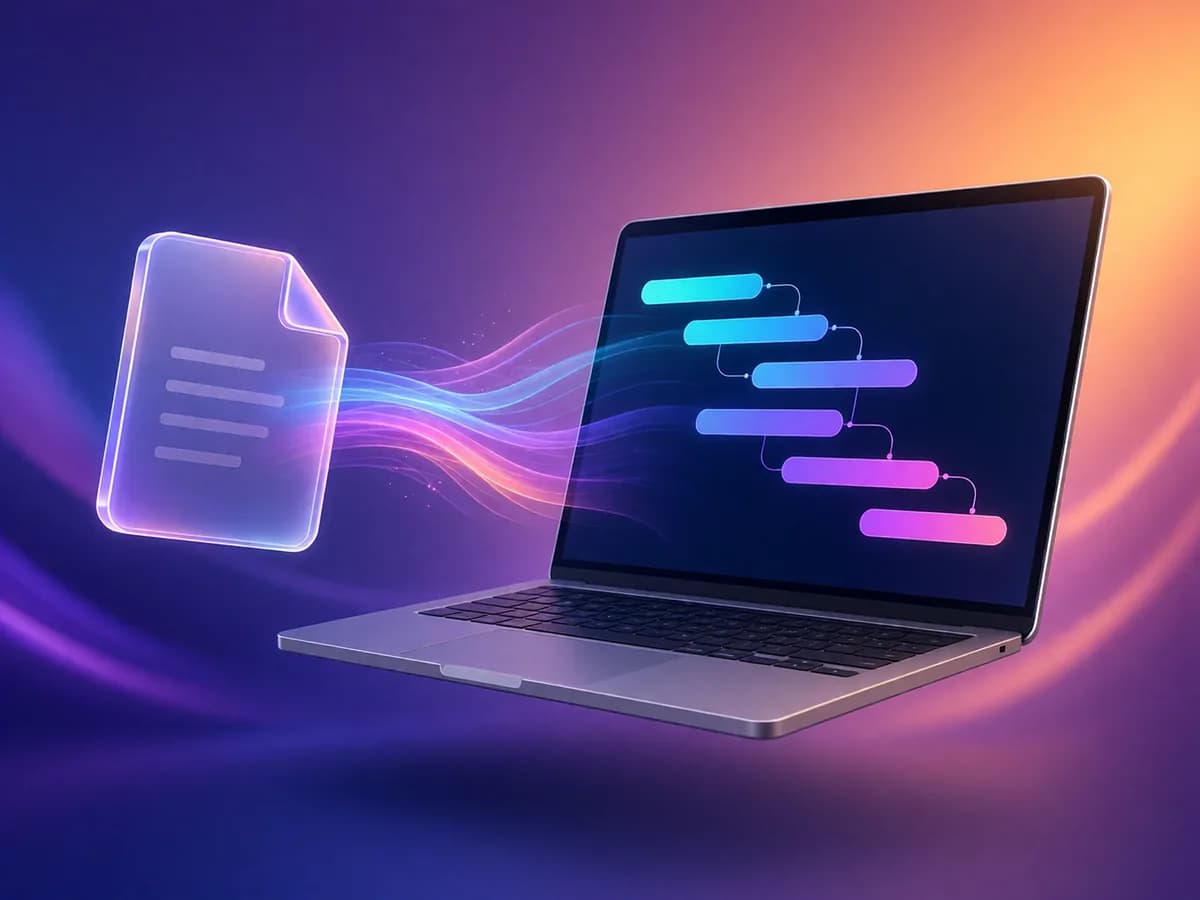
Drag in a file and review a preview before the project is created. The import report lists any element that could not be mapped.
- Microsoft Project .mpp and .mpt templates, .mpx and Project XML (MSPDI)
- Primavera P6 .xer and PMXML, plus desktop formats such as ProjectLibre and GanttProject
- Tasks, hierarchy, durations, links, constraints, calendars, baselines, actuals and fixed costs are imported; resources are listed in each task’s notes
- Export to Microsoft Project XML, CSV for Excel, print and PDF
Scheduling
A complete scheduling engine
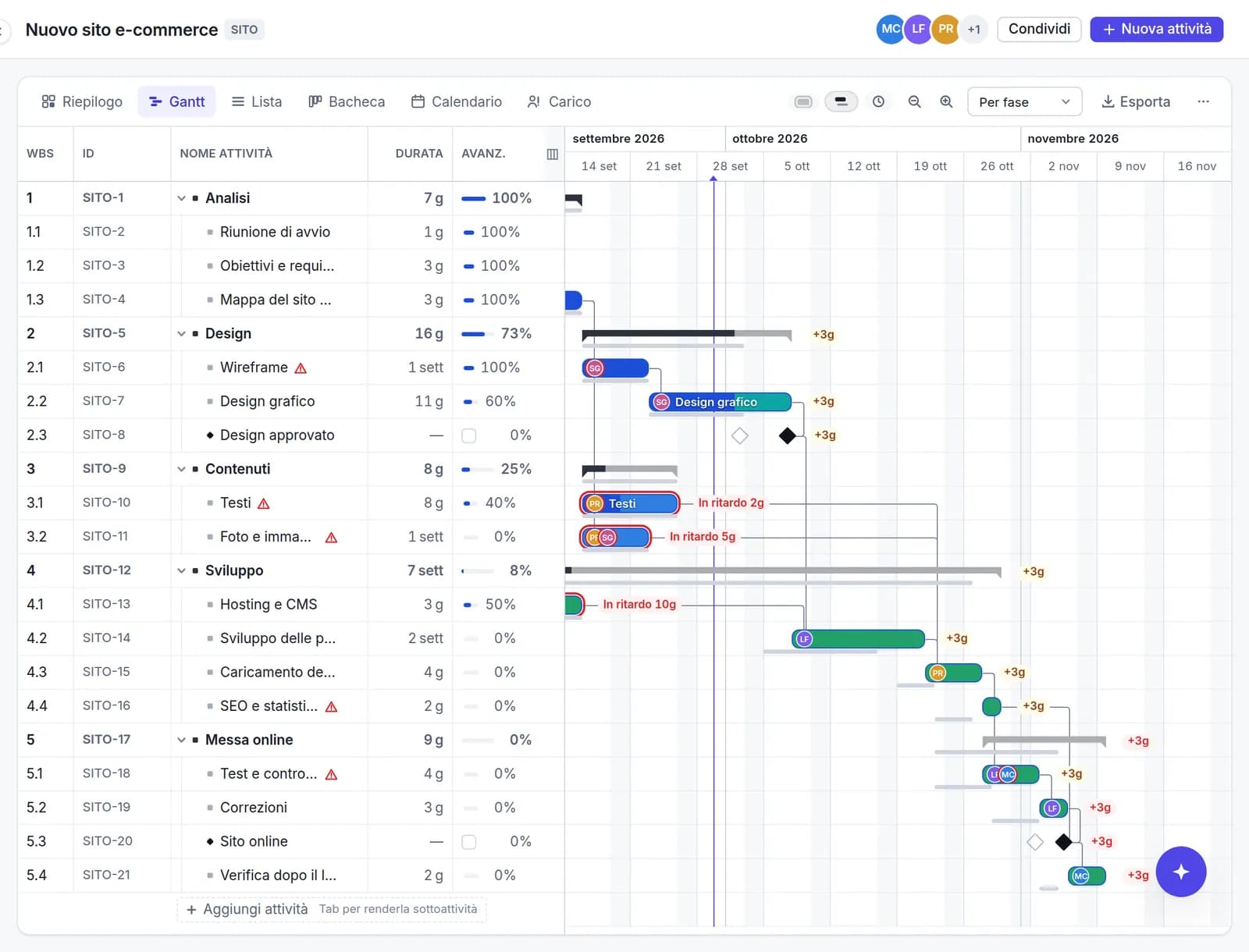
Dates come from links, constraints and calendars. Change a duration and the engine recalculates everything else, the way Microsoft Project does.
- Finish-to-start, start-to-start, finish-to-finish and start-to-finish links, with lead and lag
- Constraints (“start no earlier than”), deadlines and manually scheduled tasks
- Calendars with working weeks, public holidays and exceptions
- Critical path and total float, displayed on demand
- Subtasks on unlimited levels, with Tab and Shift+Tab as in Project
Progress and delays
Identify delays and their extent immediately
Planitude saves the baseline automatically at the first progress update. From then on, the Gantt chart and the Summary show which tasks are late.
- Baseline bars and slippage in working days (+3d)
- Overdue tasks, tasks behind plan and tasks moved since your last visit
- Progress entered directly in the cell, “complete” in one click and “update to today”
- Version history with preview and restore, plus undo and redo
Views
Six views of the same plan
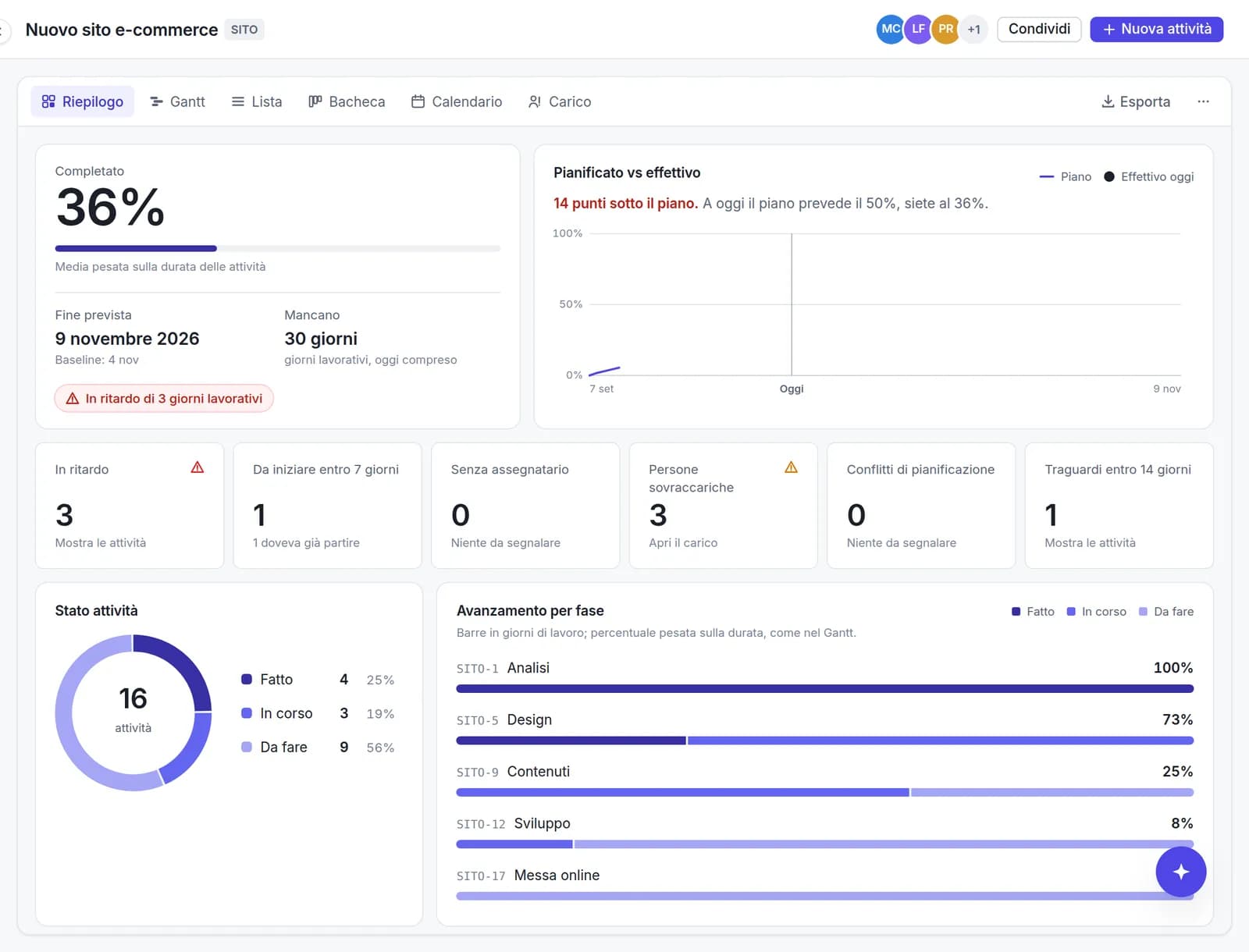
Each view has its own URL, so a link reopens exactly that view. The data remains consistent across views.
- Summary: completion, planned versus actual, delays and upcoming deadlines
- Gantt and List with multi-select, copy and paste to and from Excel
- Kanban board by status, and a Calendar
- Workload per person, with an over-allocation warning
Team
Team collaboration with no per-seat fees
Each task has a panel with its details, comments and change history. Viewers are free of charge.
- Invitations by link, with roles: owner, editor, viewer
- Comments with @mentions and per-task change history
- Jira-style task keys (SITE-12) and direct links to every task
- Read-only public link for people without an account, revocable
- Profile photos on the bars show at a glance who is responsible for each task

Templates
Start from a template, not a blank page
12 templates with phases, durations, links and milestones already set, translated into all 10 languages.
- Website, product launch, software sprints, marketing campaign, event, onboarding
- ERP/CRM, office move, shop opening, home renovation, thesis, wedding
- Save one of your projects as a template and reuse it
- Duplicate, archive and mark projects as favourites

MCP and API
Connect the AI assistants you already use
Planitude has an MCP server: with an API key created in your profile, your assistant reads and updates plans with your permissions.
- Works with Claude Code, Codex, Gemini CLI, Cursor, VS Code and the OpenAI API
- Read-only or write keys, revocable at any time
- The ChatGPT and Gemini web apps require OAuth, which is not available yet

Free, in the browser
Free, in the browser, in 10 languages
No licences and nothing to install: an account is all you need.
- Works in any modern browser, no plug-ins
- Sign up with email or with Google
- English, Italian, Spanish, French, German, Portuguese, Dutch, Polish, Japanese and Chinese
- Data on servers in the European Union (Germany)
Current limitations
Earned value (SPI and CPI), automatic resource levelling, Monte Carlo simulation, time tracking, attachments, SSO/SAML and native mobile apps are not yet available. The comparison shows which tools offer them.
See the comparisonTry Planitude with a real plan
Import an .mpp file, start from a template or describe the project to the assistant. It takes two minutes and requires no licence.